PEA CTF 2020 — Beginners Writeup
PeaCTF 2020 solutions/writeup

PeaCTF is running now for multiple years and this time there were two mode Beginner and Advanced with nearly 7 days of event each. This is writup for beginner event which started from Sat, Oct 24 at 12:00 AM EST and end at Fri, Oct 30 at 11:59 PM EST. In this event I played solo and solved 12 challenges out of 16 challenges.
General Skill
1.Warm-up 0 (10)
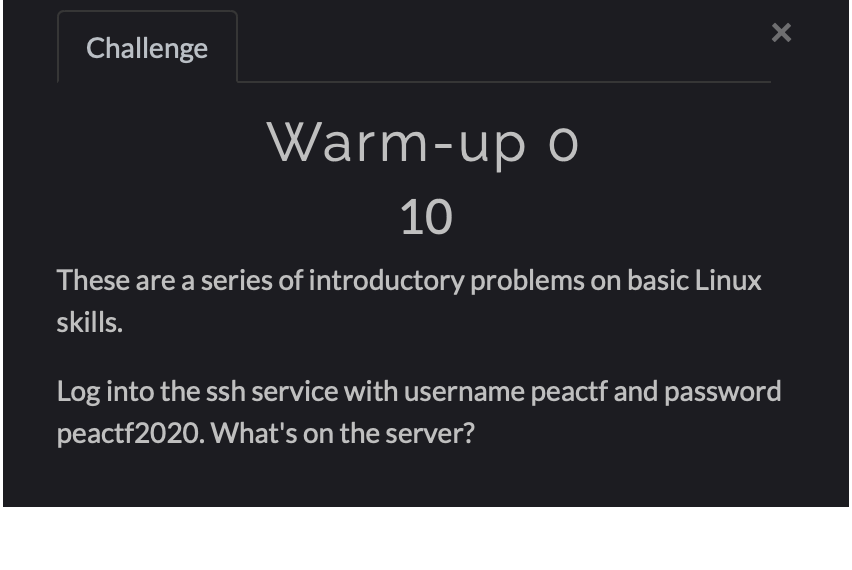
First log-in via ssh.

Then run “ls” command and you will find warm-up-1 folder then again run “ls” command on warm-up-1 folder and you will see a lot of folder.
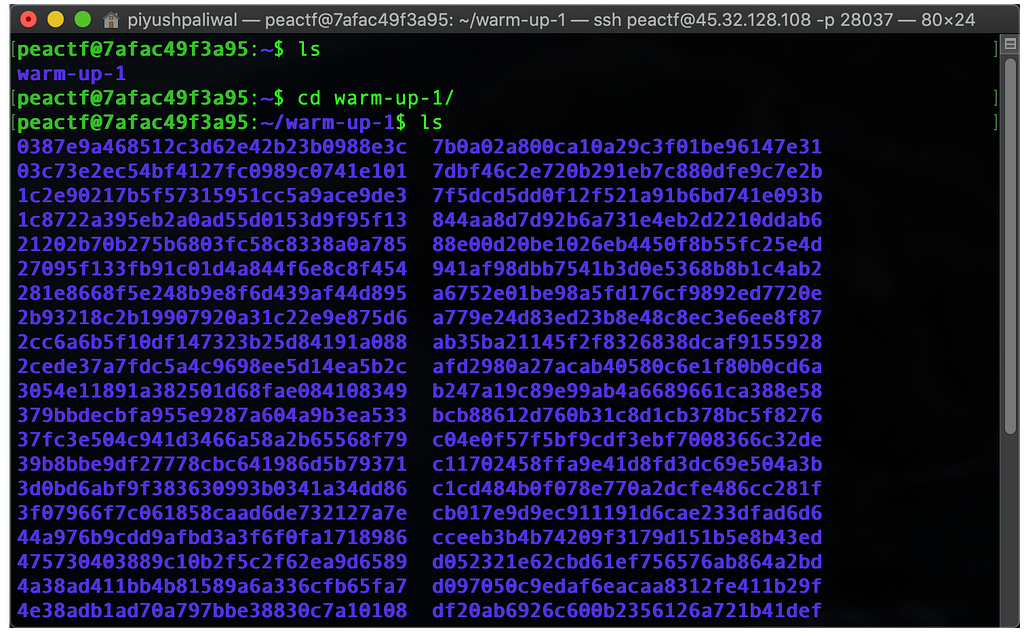
Our flag can be in one of the folders so lets “cat” all the folders.

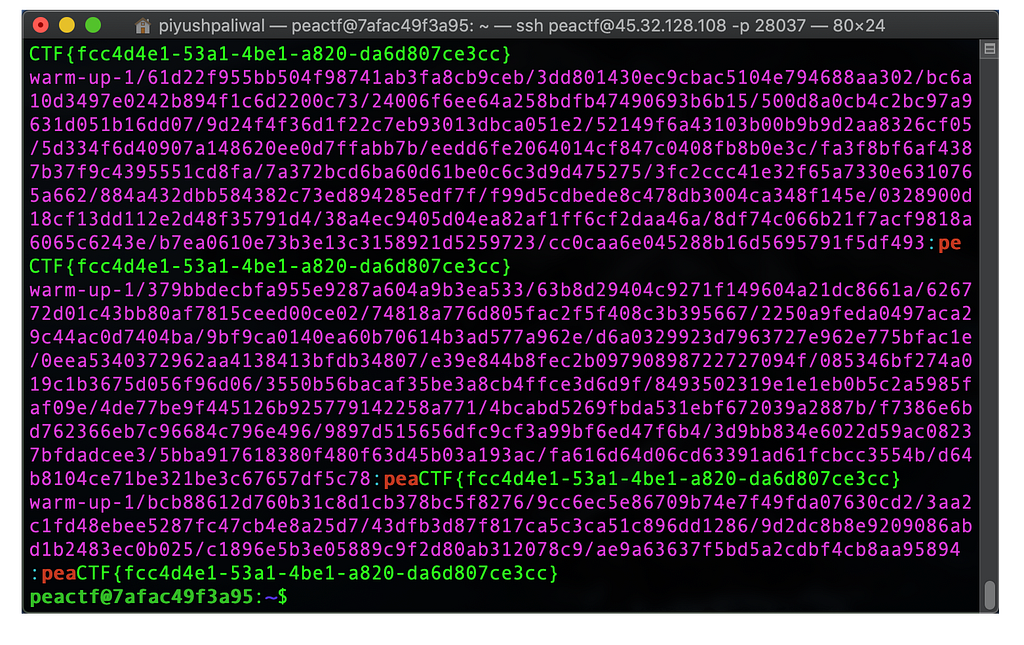
Or you can also grep from folders.

and get the flag:- peaCTF{fcc4d4e1–53a1–4be1-a820-da6d807ce3cc}
2.Warm-up 1 (15)
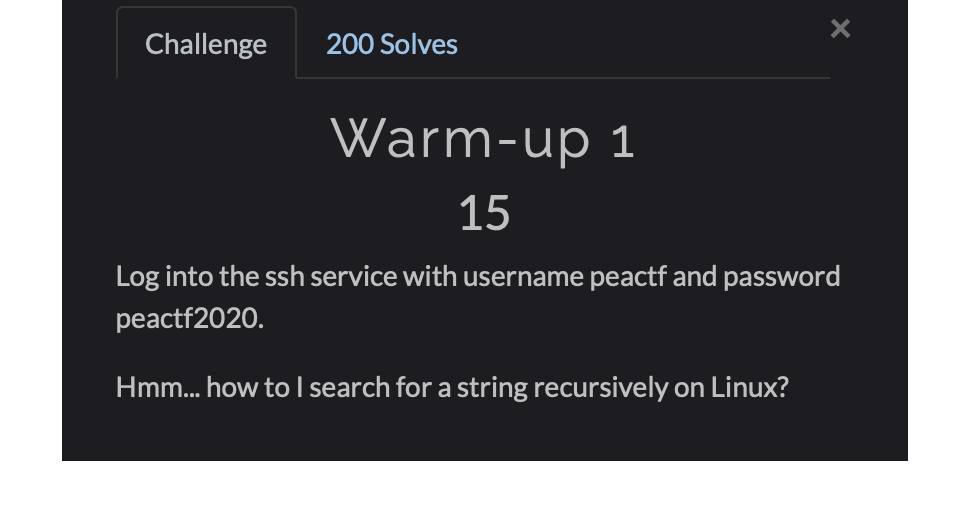
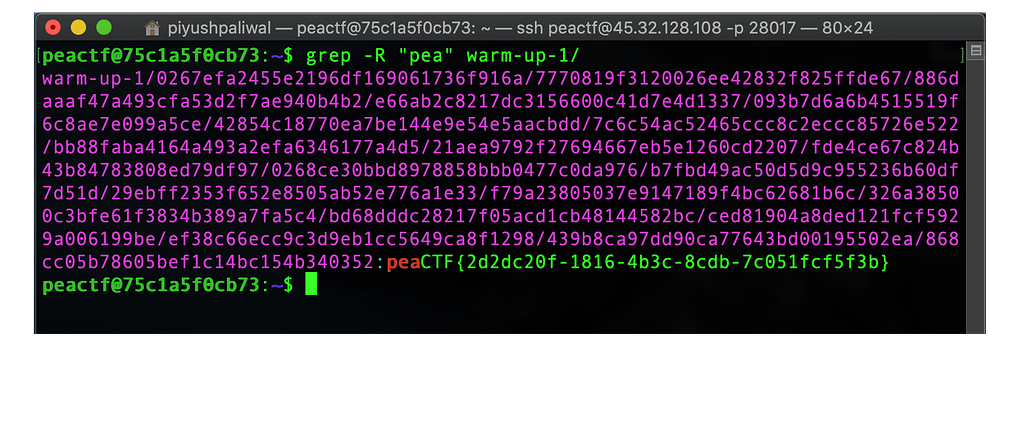
This challenge is a same as above just log-in and “grep” but this time “cat” command might not work as expected so instead use the “grep” command and get the flag:- peaCTF{2d2dc20f-1816–4b3c-8cdb-7c051fcf5f3b}.
2.Warm-up 2 (30)
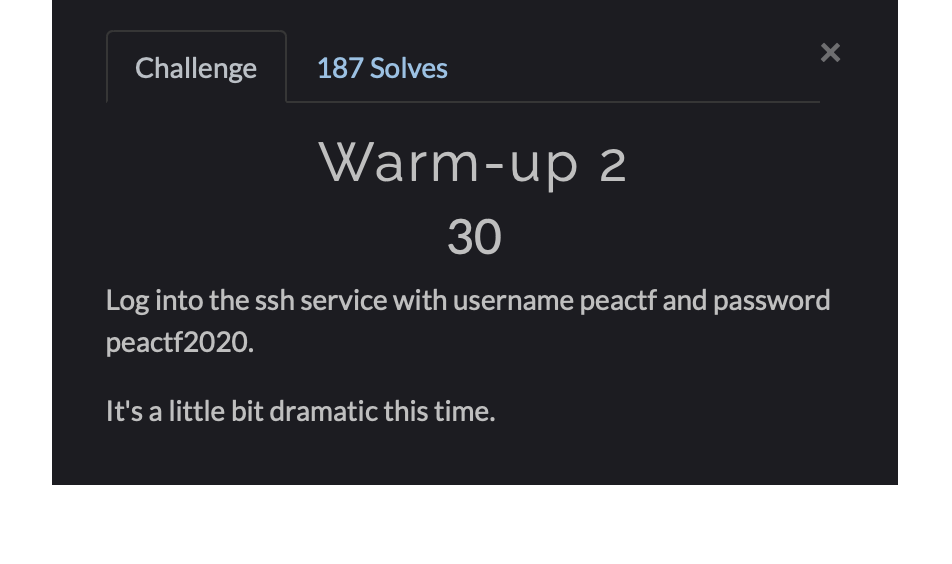
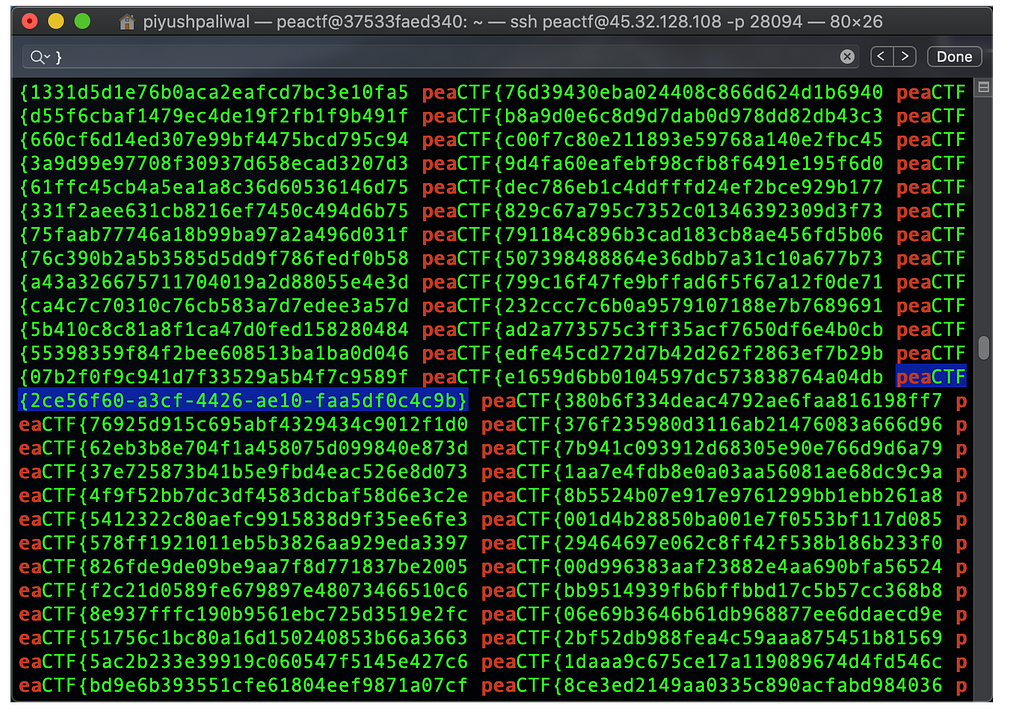
This one is bit tricky but not much different just “grep” the warm-up-2 folder then search for the flag which has back curly brackets “}” you can also use (ctrl + f) find option in terminal to find the flag:- peaCTF{2ce56f60-a3cf-4426-ae10-faa5df0c4c9b}.
Cryptography
1. Diffie-Hellman-AES (122)
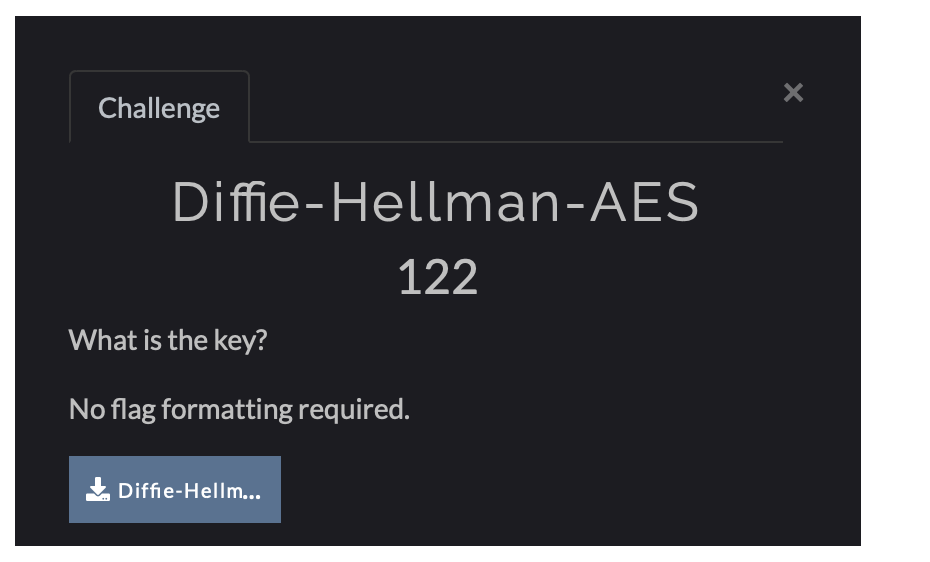
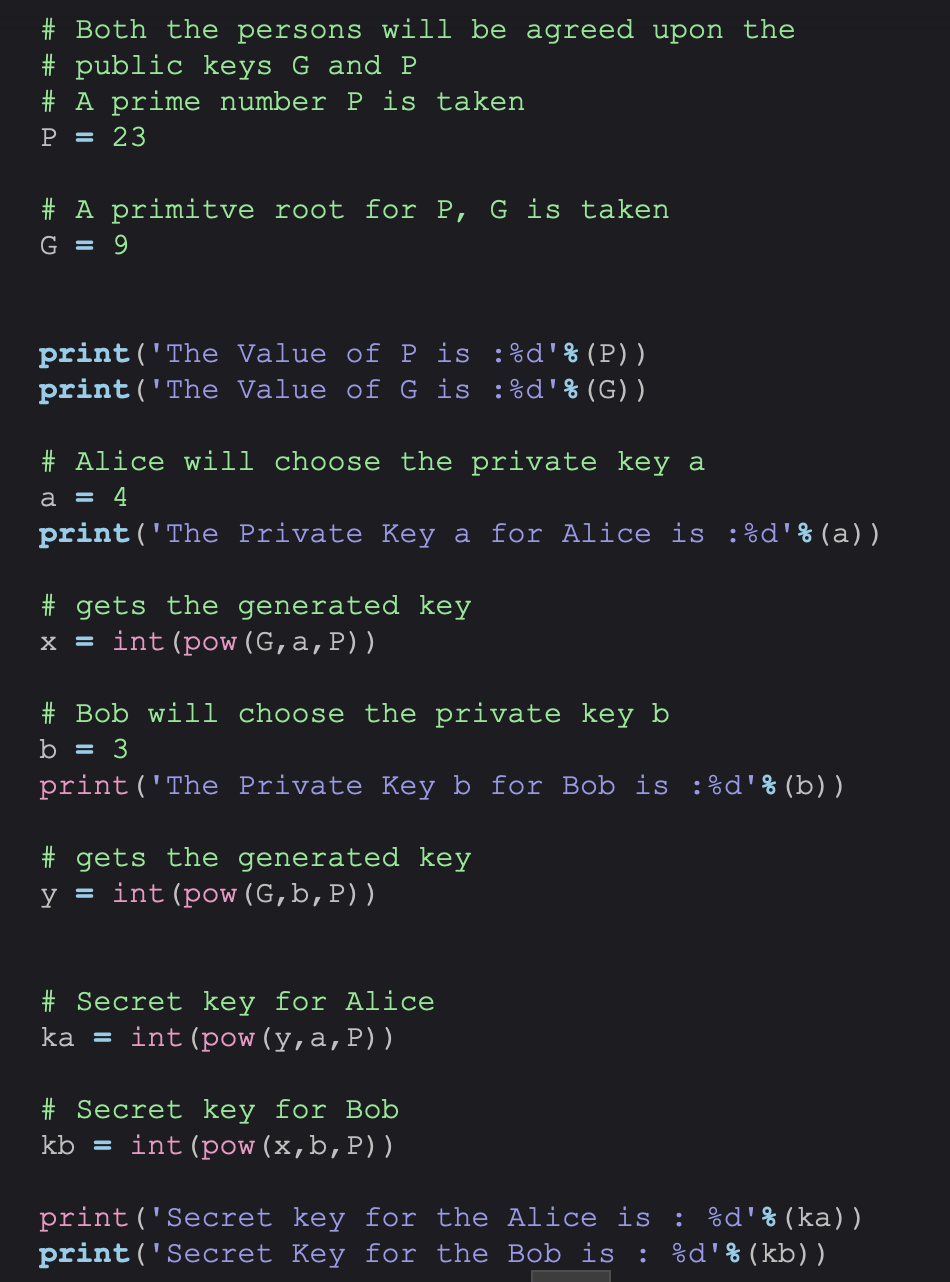
This Challenge was little hard because it was new for me so lot of searching was done but yeah finally made it to the flag. So here is my source from where i got closer to the flag.
Implementation of Diffie-Hellman Algorithm - GeeksforGeeks
And after understanding this properly i created my code and got the flag.
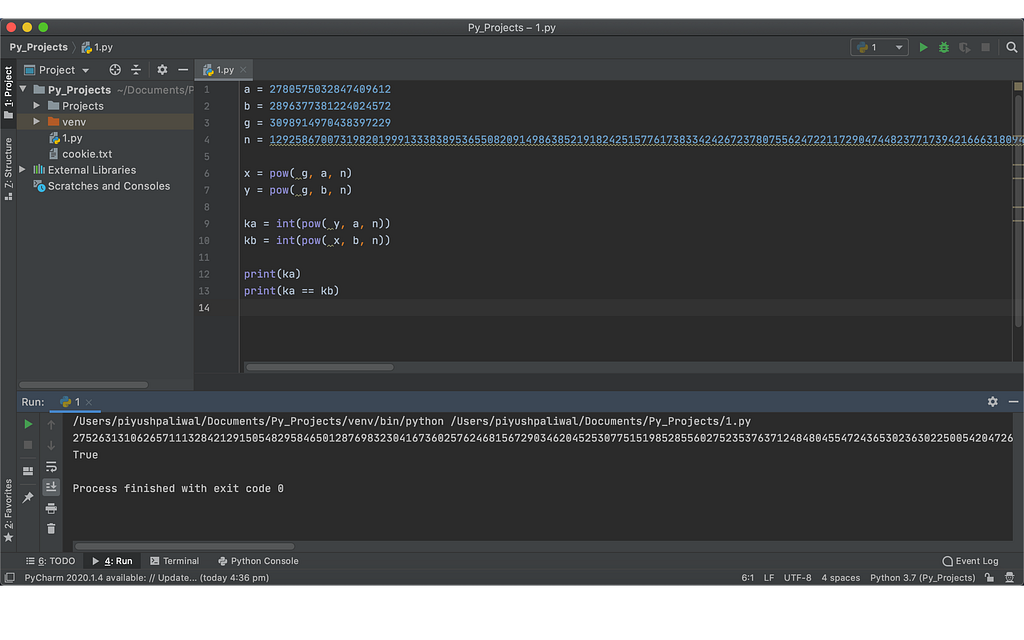
It looks easy but a lot of research goes into it. And the flag is really long and it wouldn’t be easy to brute force that.
Flag:- 2752631310626571113284212915054829584650128769832304167360257624681567290346204525307751519852855602752353763712484804554724365302363022500542047267196442807456611946288794405744832813240136850996323940419423903088234222162194917419104604705872971721430271120829004553967043423334902443781487385643461618283994370270571025149348026671645343020684264670885606667385169308664359476219931557003269346037423439841113622685569146141304000311744420297139196966561426532309171274030668236161421126672930514149434224659566905871807719355074990124942831948080724298959259160913989922086571294216905302285388299397077113018169
Misc
1. Corrupt (10)
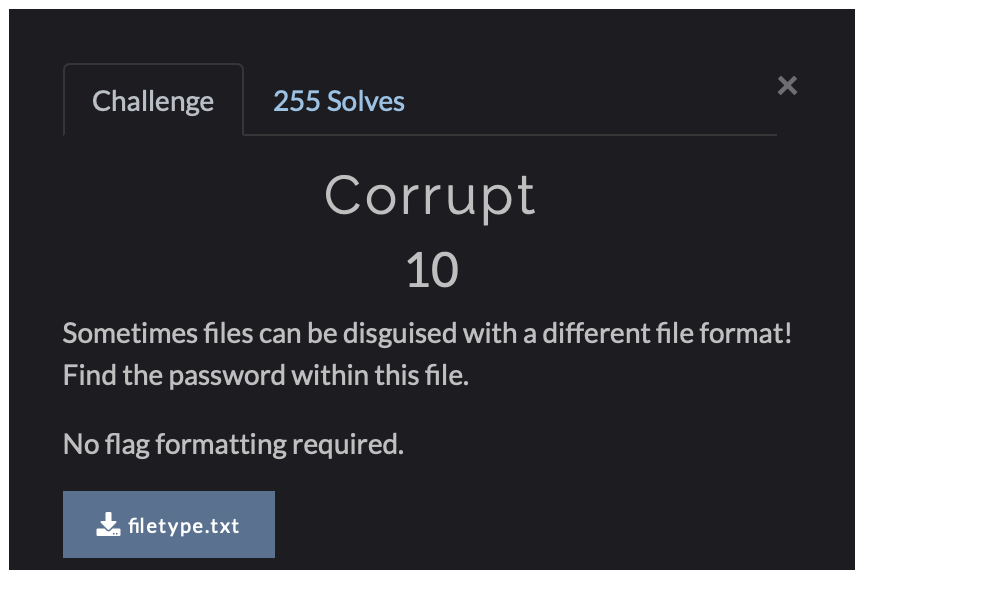
It given a .txt file and the challenge name is corrupt , so something is wrong
I checked this file with “file” command
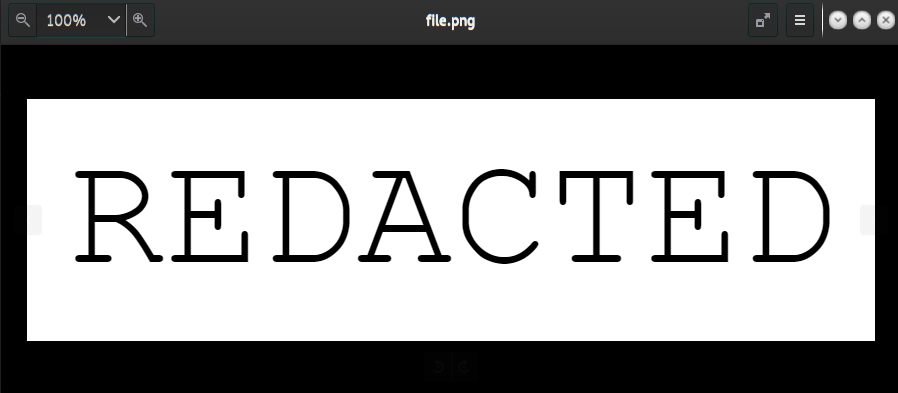
And it told us that it is a png file. so I changed the extension to png and got the flag:- REDACTED
2. Introspective Investigation (60)
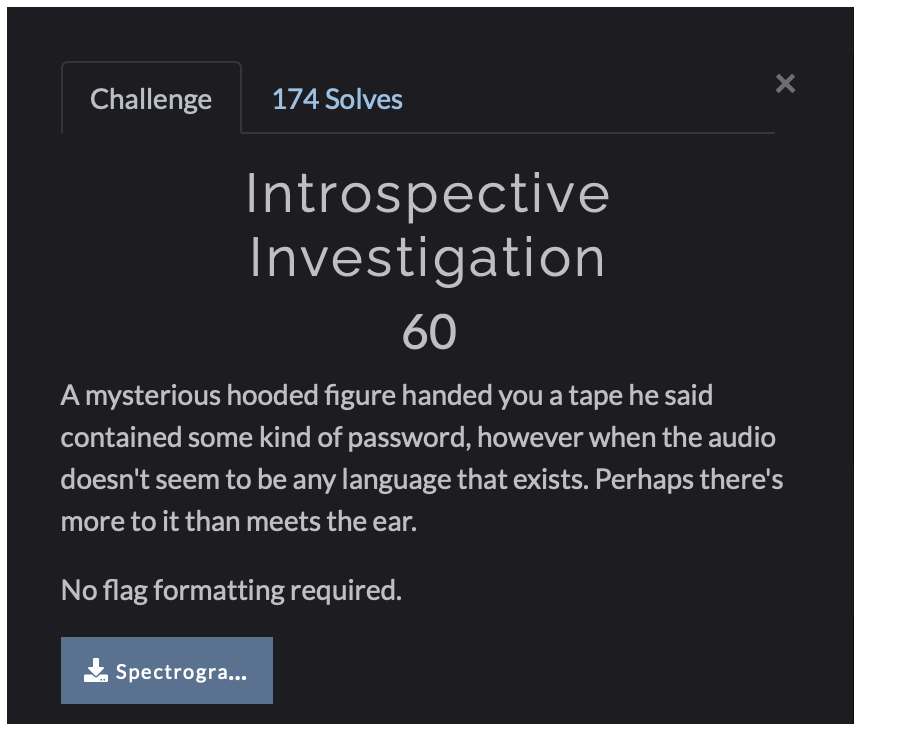
This one easy, Open the file with sonic-visualiser and add spectrogram layer.
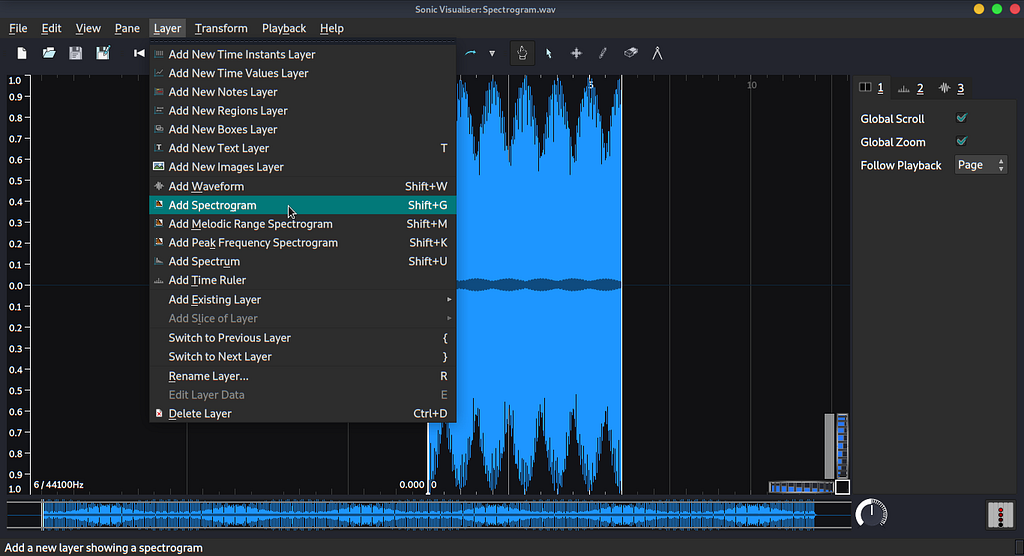
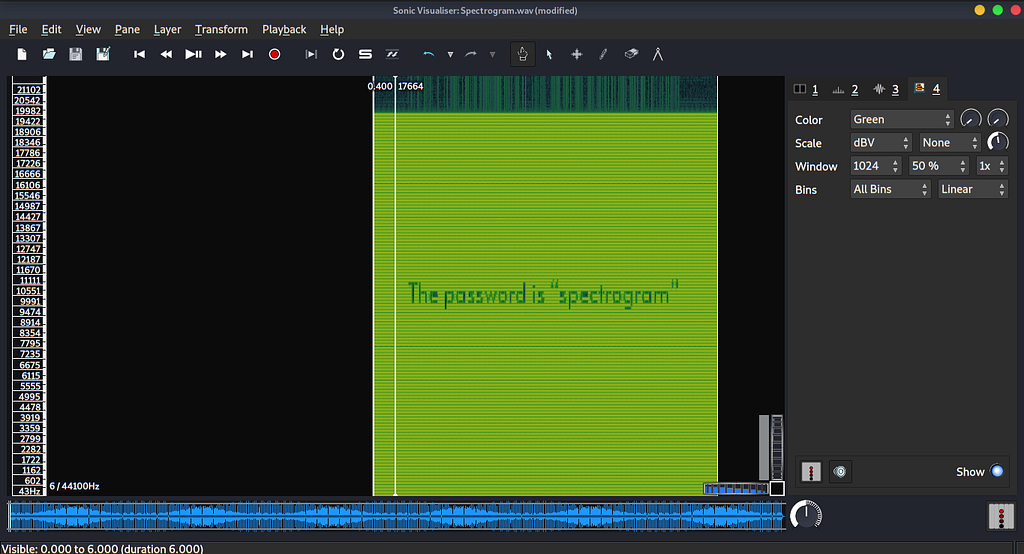
and you get the flag:- spectrogram
3. TheGreatestFighter (70)
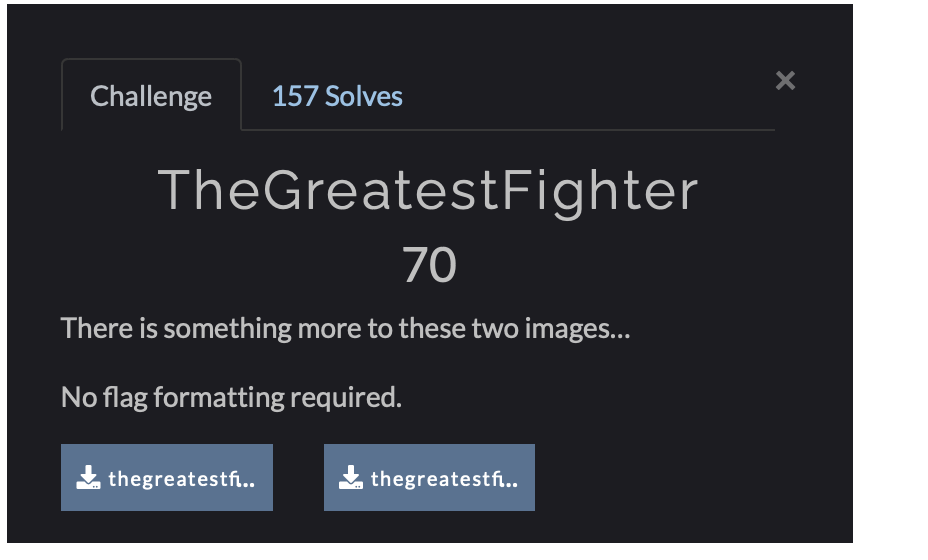
In this challenge we were given two different photos.


So we need to merge them and I used this website to merge these two image.
https://www.textcompare.org/image/

and got the flag:- Adesanya
4.BasedSteg (80)
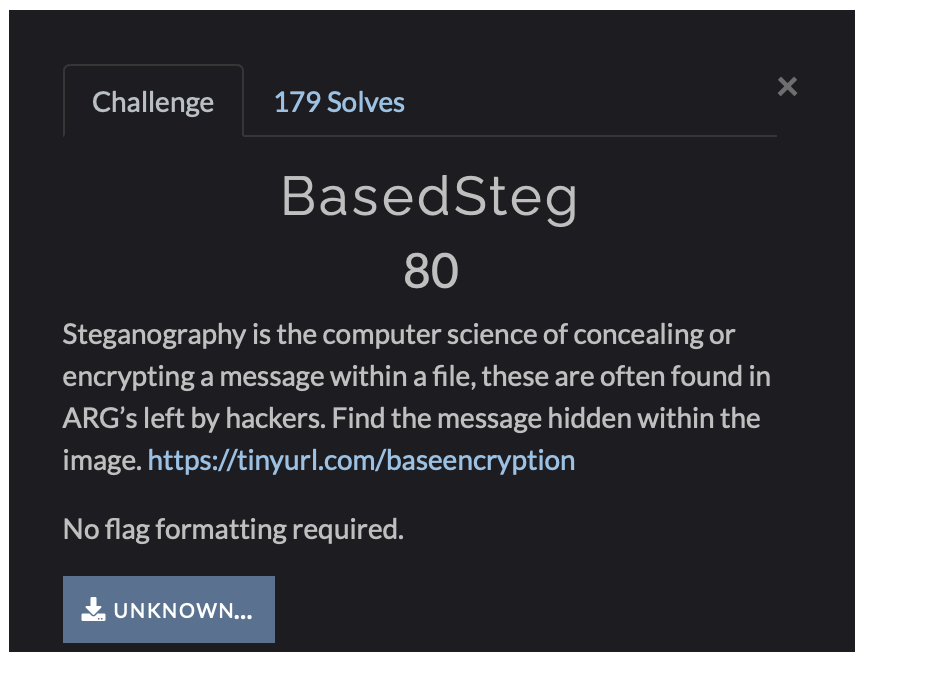
This is a blank or black image file. So I used stegsolve tool to check any hidden data in this photo.
https://github.com/eugenekolo/sec-tools/tree/master/stego/stegsolve/stegsolve
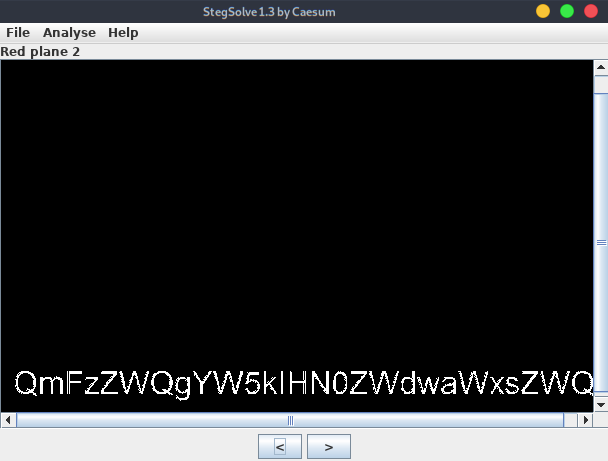
And i found an base64 encoded text, decode it and get the flag:- Based and stegpilled

Web Exploitation
1. Eff-twelve (20)
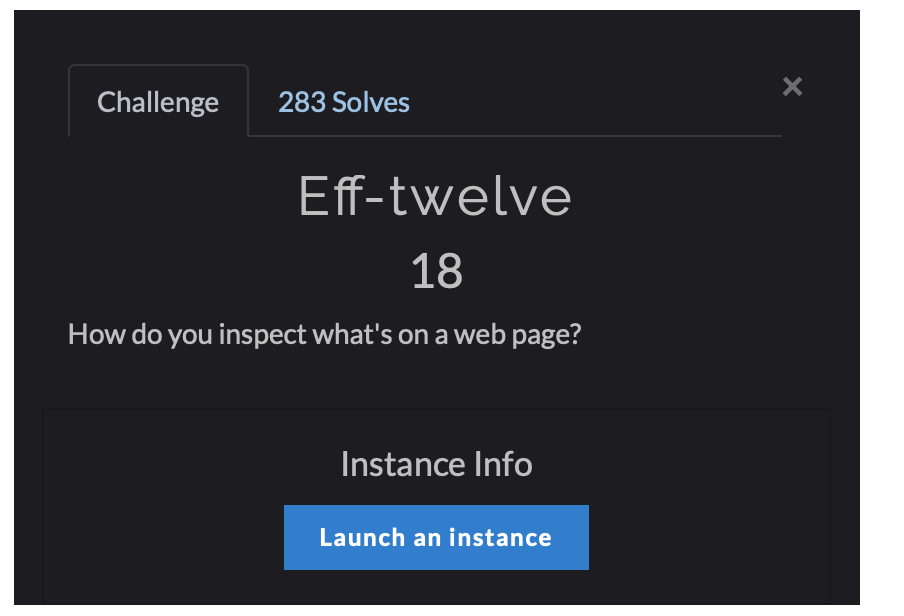
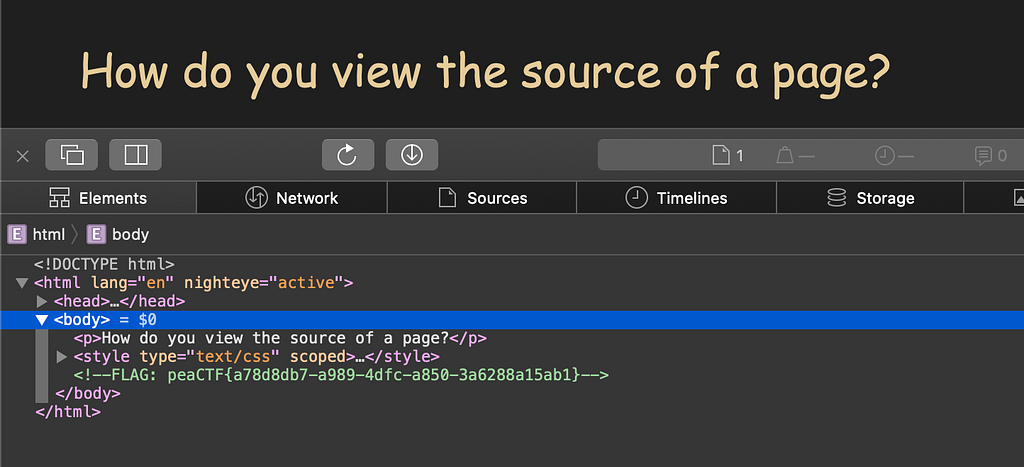
This was easy just lauch the instance and view the source code of page and get the flag:- peaCTF{a78d8db7-a989–4dfc-a850–3a6288a15ab1}
2. Bots (25)
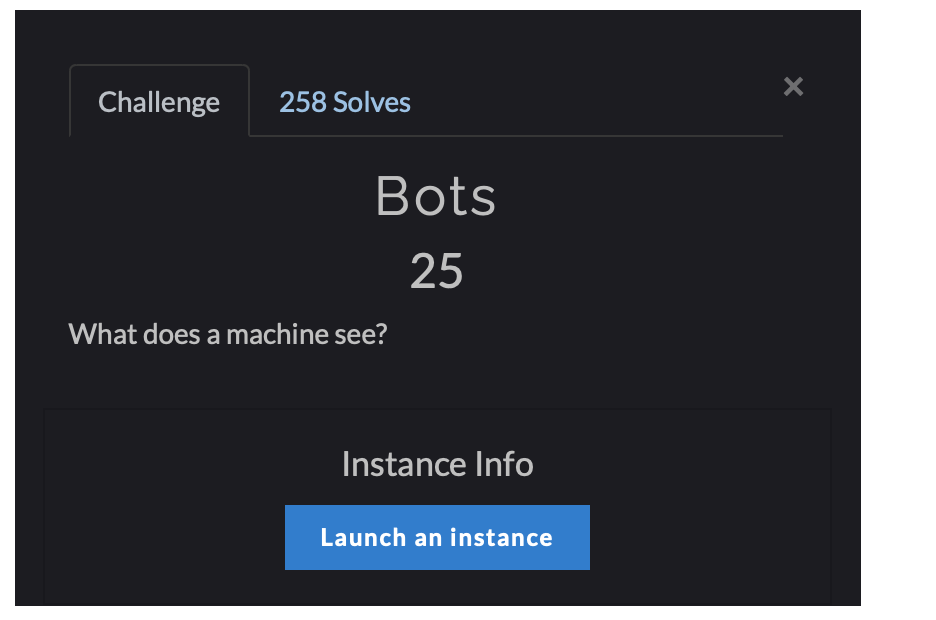
Launch the instance and see the page it says to visit robots.txt file.

So I checked robots.txt and found another redirect.
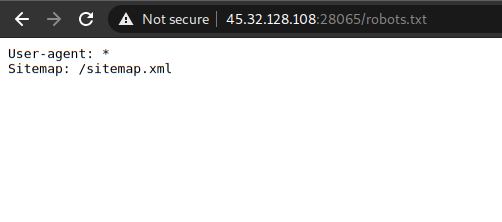
when I went to /sitemap.xml , I found another redirection.
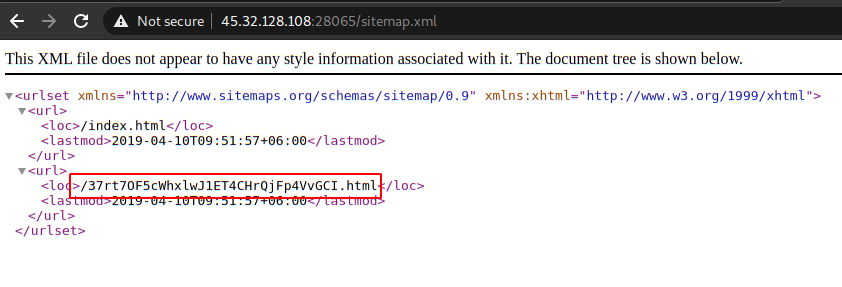
Let’s go again this url had the flag:- peaCTF{dc38a05a-2768–4fee-83c7-e106edcc4ebd}

3. Secure Admin (40)
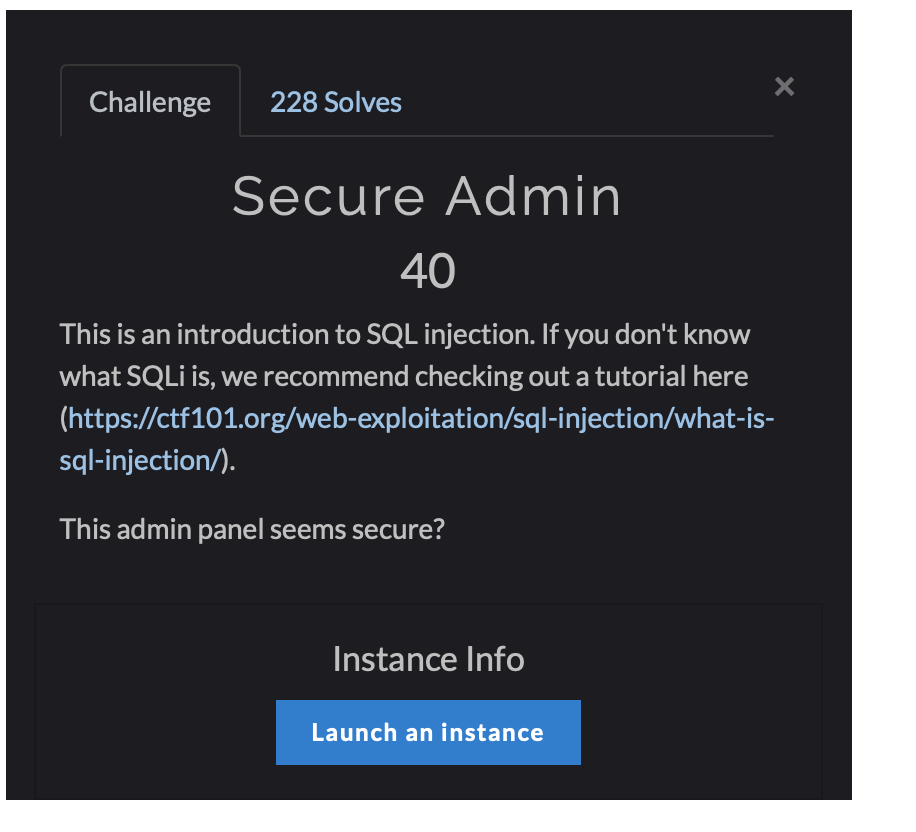
This is an SQL Injection challenge. Use the below sql attack on the web page and the password is same as username.
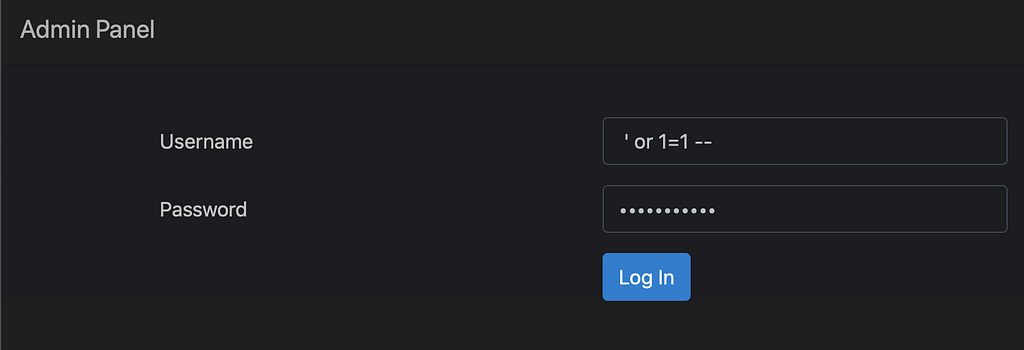
and get the flag:- peaCTF{cf500e02–9733–41dd-8523-bac91c26ac74}

4. Secure Admin 2 (80)
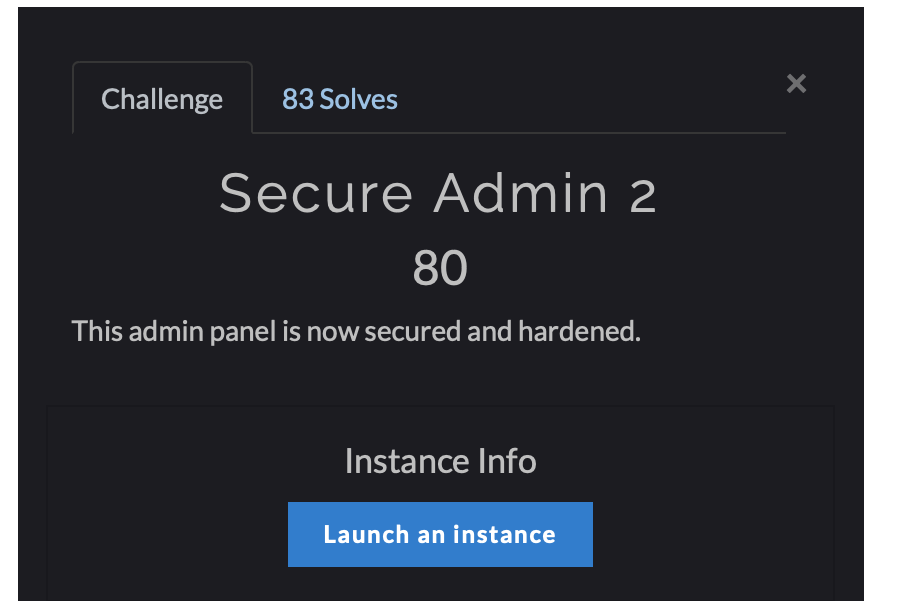
This is a cookie based challenge in this you have to change cookies.

This is a base64 encoded cookie the last two digits %3D are encoded in URL so first replace last two digits with == then the cookie will look something like this WVdSdGFXNDZabUZzYzJVPQ== this cookie is encoded twice with base64 so after decoding it will look something look like this.
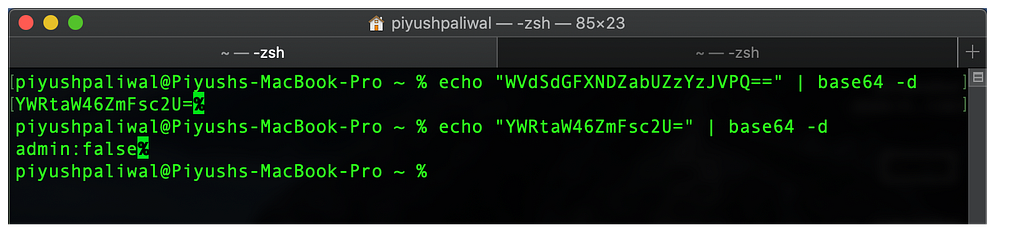
So after decoding we get “admin:false” so let’s change it to “admin:true” and then encode the payload twice with base64 and we get the value this WVdSdGFXNDZkSEoxWlE9PQ==
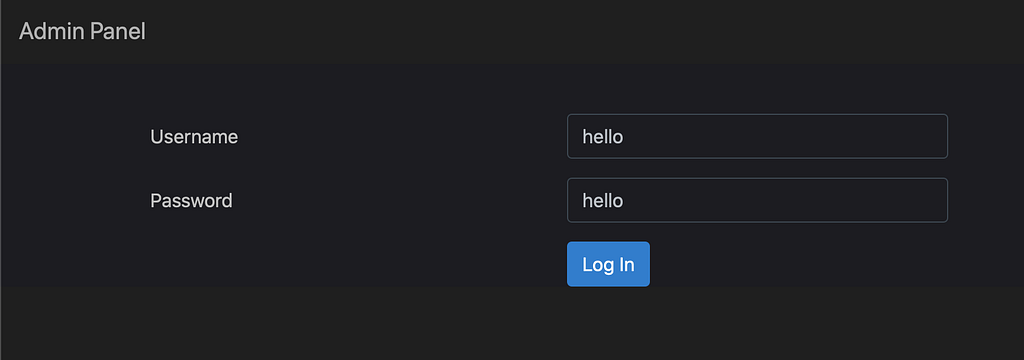
Type in any Username and Password anything you want and after clicking on Log-in intercept the traffic with Burp or even you can change cookies in inspector tab after clicking on log in and just replace the auth cookies with our newly created cookie WVdSdGFXNDZkSEoxWlE9PQ== and get your flag:- peaCTF{d5c4bbd5–7ebd-4387–9408–3b11055f8c82}

And that’s it guys, that’s end of our journey for now.
Thanks for Reading this is my first CTF Writeup i know it was quite lengthy but hope you guys like it.
Note:- I’m looking for a CTF Team to join or to create one. So if you are interested you can contact me on my Instagram handle link below.